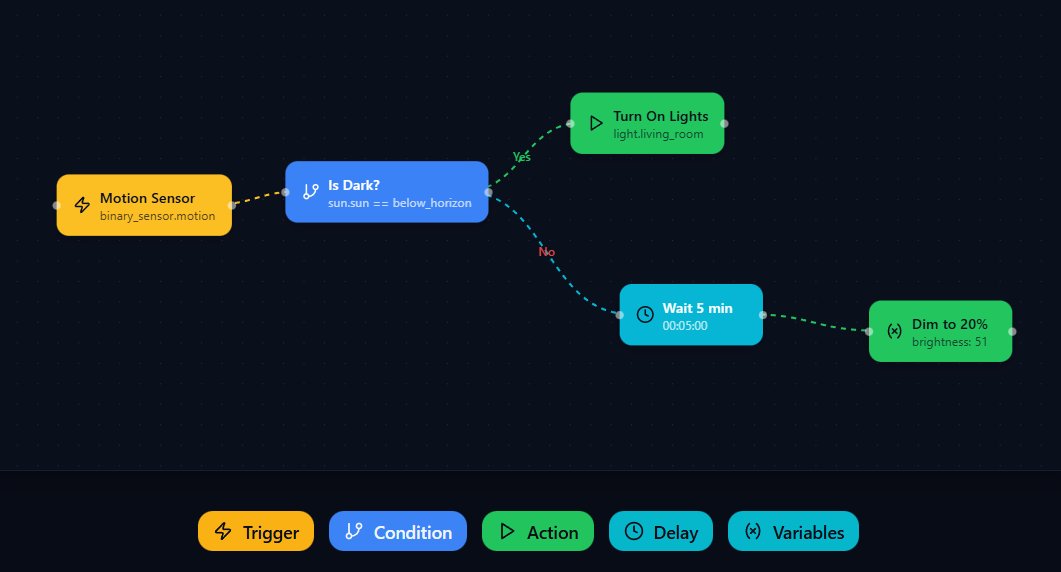
Install C.A.F.E. via HACS and start creating visual automations today.
Open HACS → ⋮ Menu → Custom repositories
https://github.com/FezVrasta/cafe-hassImportant: Select ‘Integration’ as the category type, then click Add.
Search for C.A.F.E. in HACS Integrations and click Download.
Restart your HA instance for the integration to load.
Go to Settings → Devices & Services → Add Integration → Search for C.A.F.E.

